
Démarrez votre parcours professionnel en ligne


how to create Apple Developer account?
Follow below mention steps to eroll for Apple Developer account:
Step 1: Create an Apple ID
- Visit Apple Developer portal
-
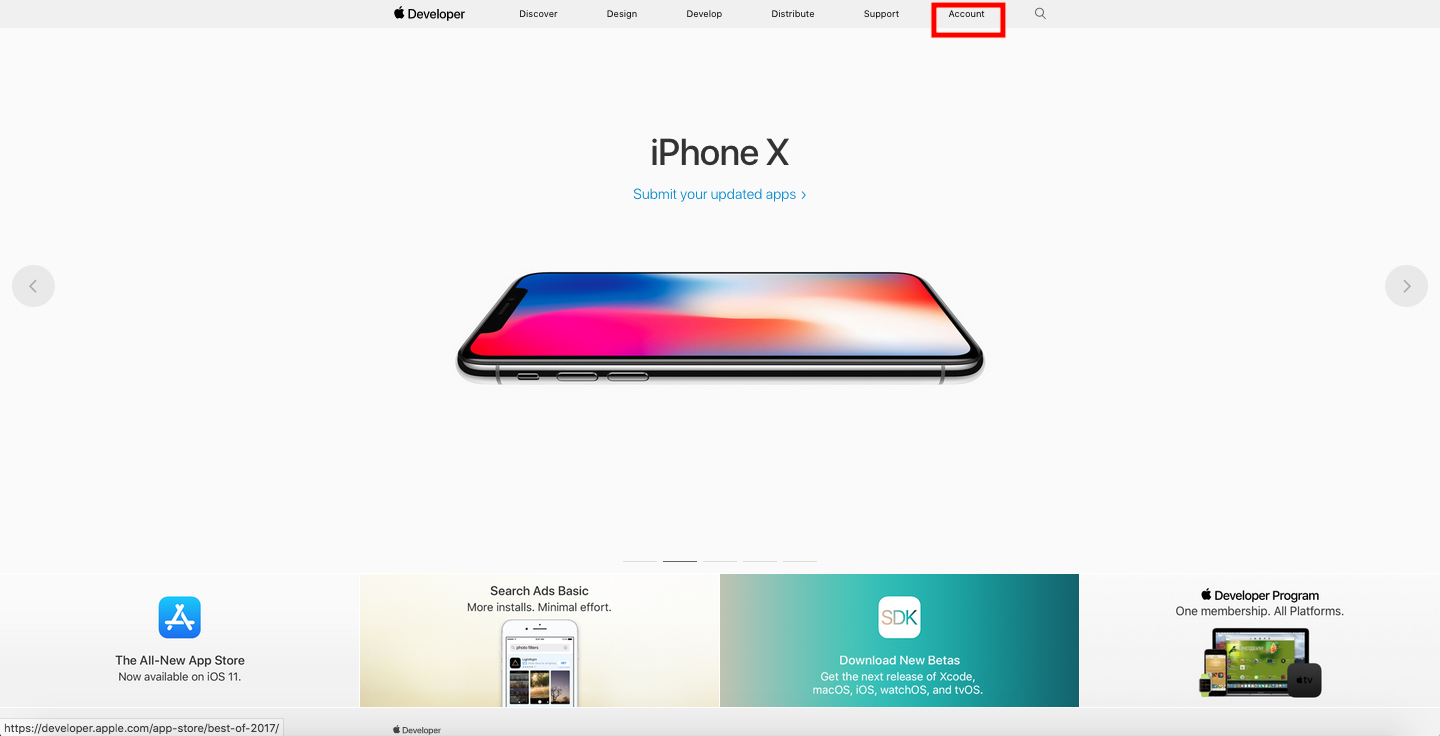
Click on Accounts
-
Click on this Create Apple ID

- Fill the All required information for Apple ID and click on Create Apple ID
- Check your email id which you have used as Apple ID and verify your email address, by clicking verify now.
Step 2: Register a developer account with apple
- Visit Apple Developer portal
-
Enter your Apple ID and Password and click Sign In
-
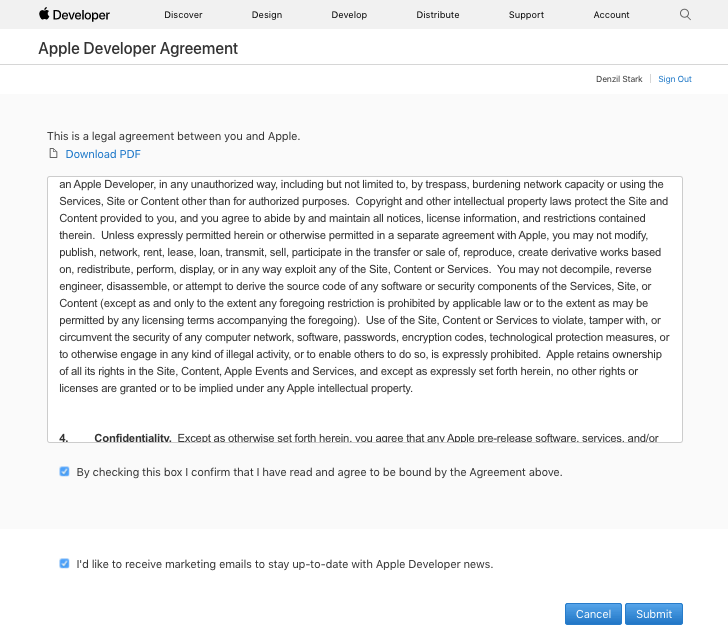
Review the agreement, Select the confirmation check box and click Submit
-
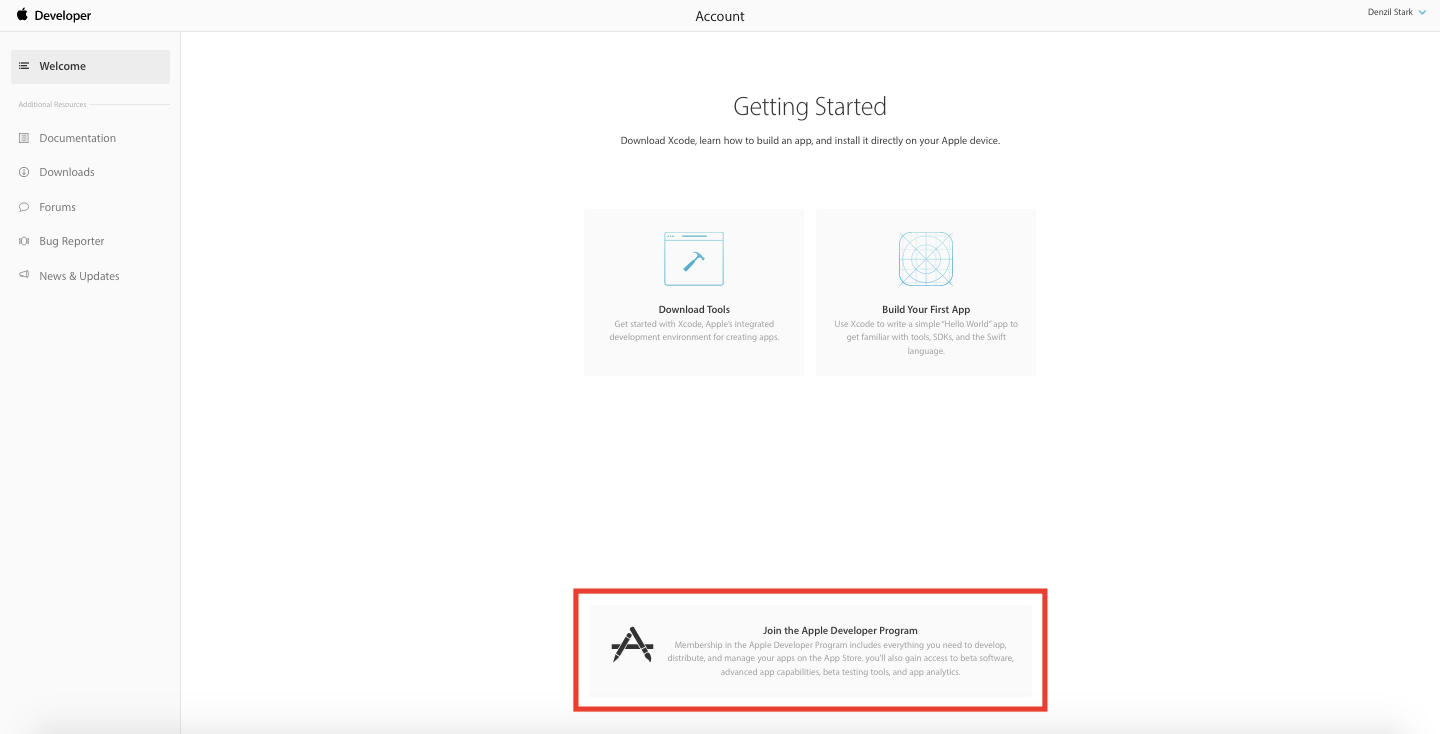
Click on Join the Apple Developer Program
-
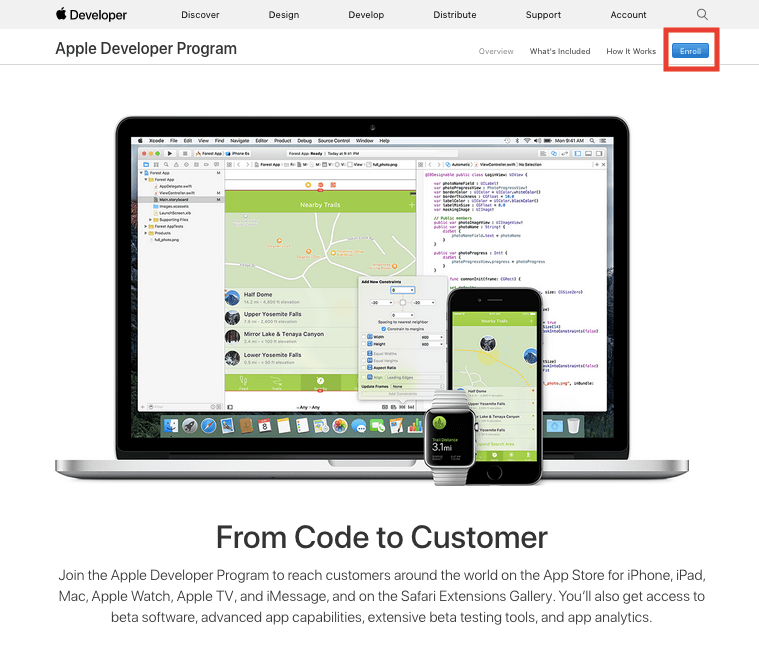
Click on Enroll button
-
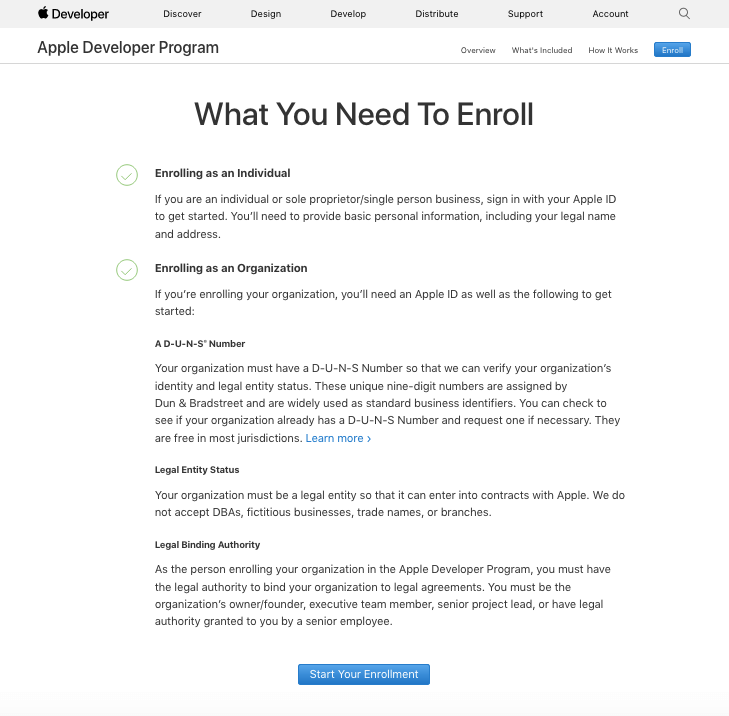
Click on Start your Enrollment
-
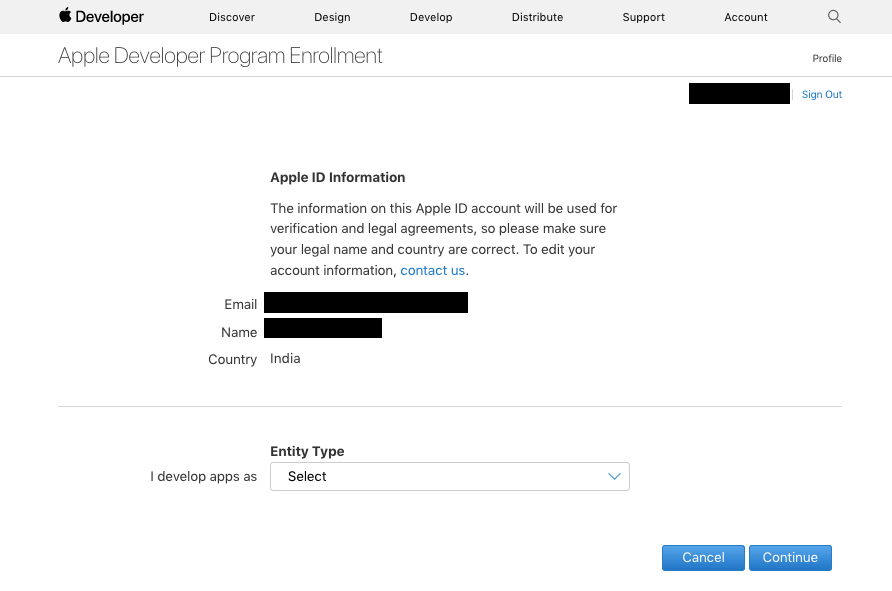
Select your Entity Type (ex. individual, company/organization, government) and click Continue.
Note: For small businesses, we recommend selecting an individual account (unless you would like to be registered as a company, and you already own a D-U-N-S number)
-
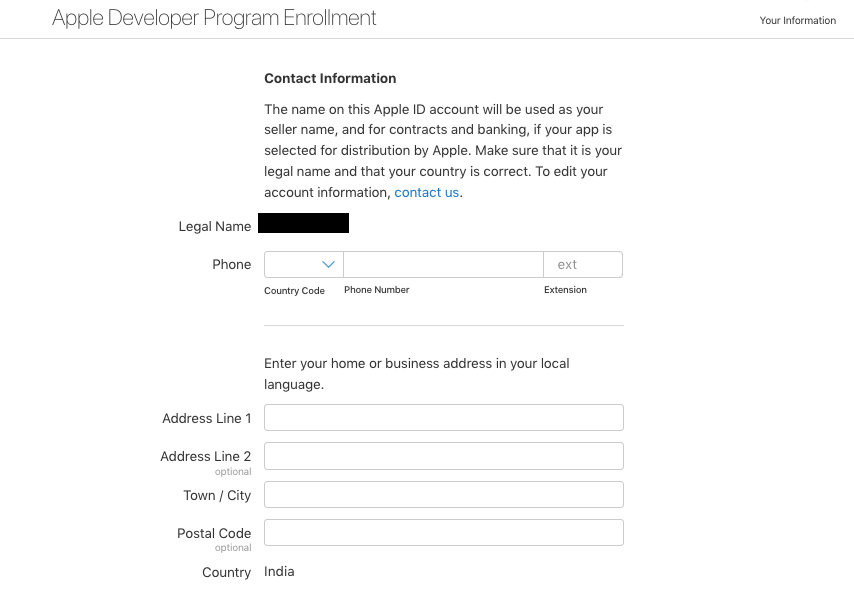
Fill out your Contact Information
-
After reviewing the Apple Developer Program License Agreement, check the box to agree and click Continue
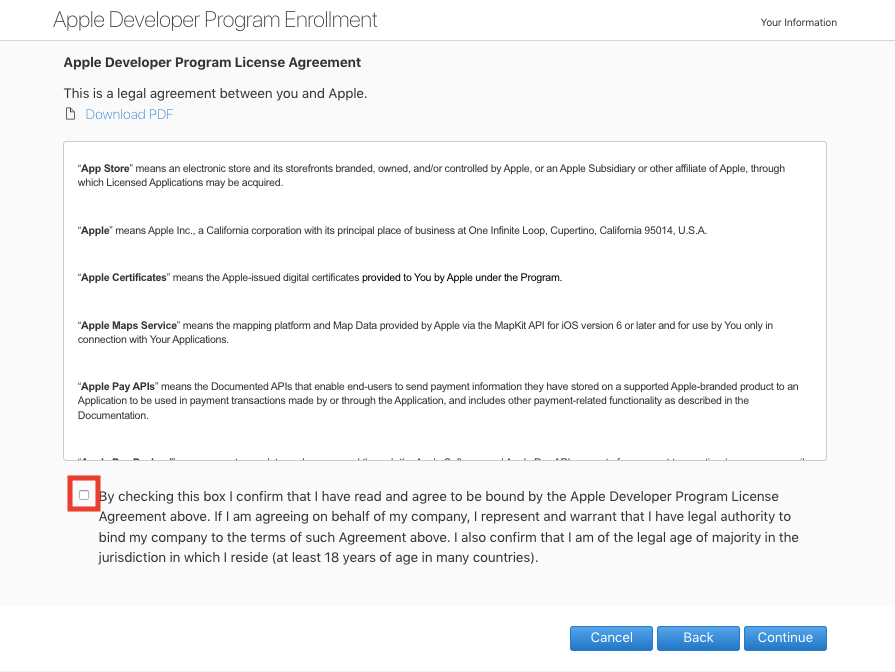
- Click on Continue
- Click Purchase to complete your purchase (an annual fee of $99)
-
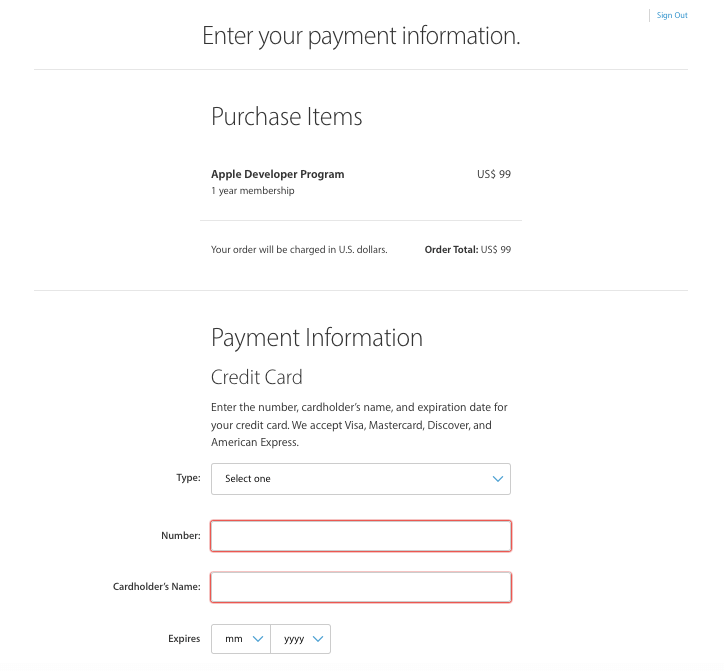
Enter your payment information and click Continue and make payment
Cet article a-t-il été utile
Cet article a-t-il été utile
Merci pour vos commentaires!
- S’inscrire
- Se connecter

Bienvenue, Invité!